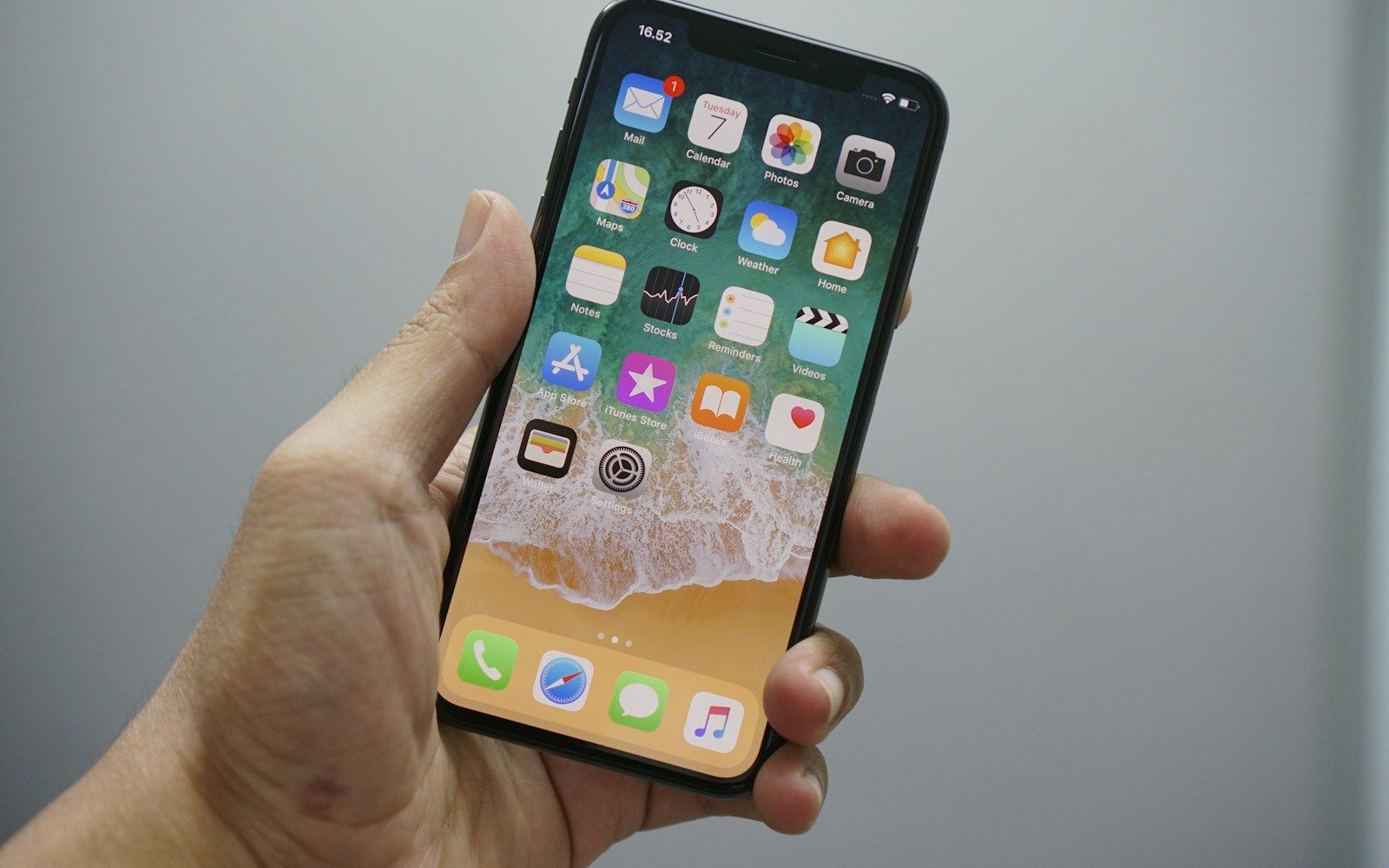
You hold down an app icon, tap delete and watch it disappear. The phone feels tidier. Later, you may find that the company still recognises your email address, your old projects remain on its website, or another subscription payment arrives.
The missing step is easy to overlook: removing software from a device usually leaves the service behind it untouched. The company may still have an account for you and information you previously sent to its servers. A recurring payment can have its own separate cancellation process.
Todoist makes this explicit in its account-deletion guidance: uninstalling its app can leave the account active. That is the distinction to look for before treating an empty space on your home screen as a completed exit.
The app is only one part of the service
Imagine a task app you installed for a house move. The move is finished, so you uninstall it. Your phone has lost its copy of the software. But the online account can still hold your email address, lists, attachments and preferences, ready for another device to reconnect.
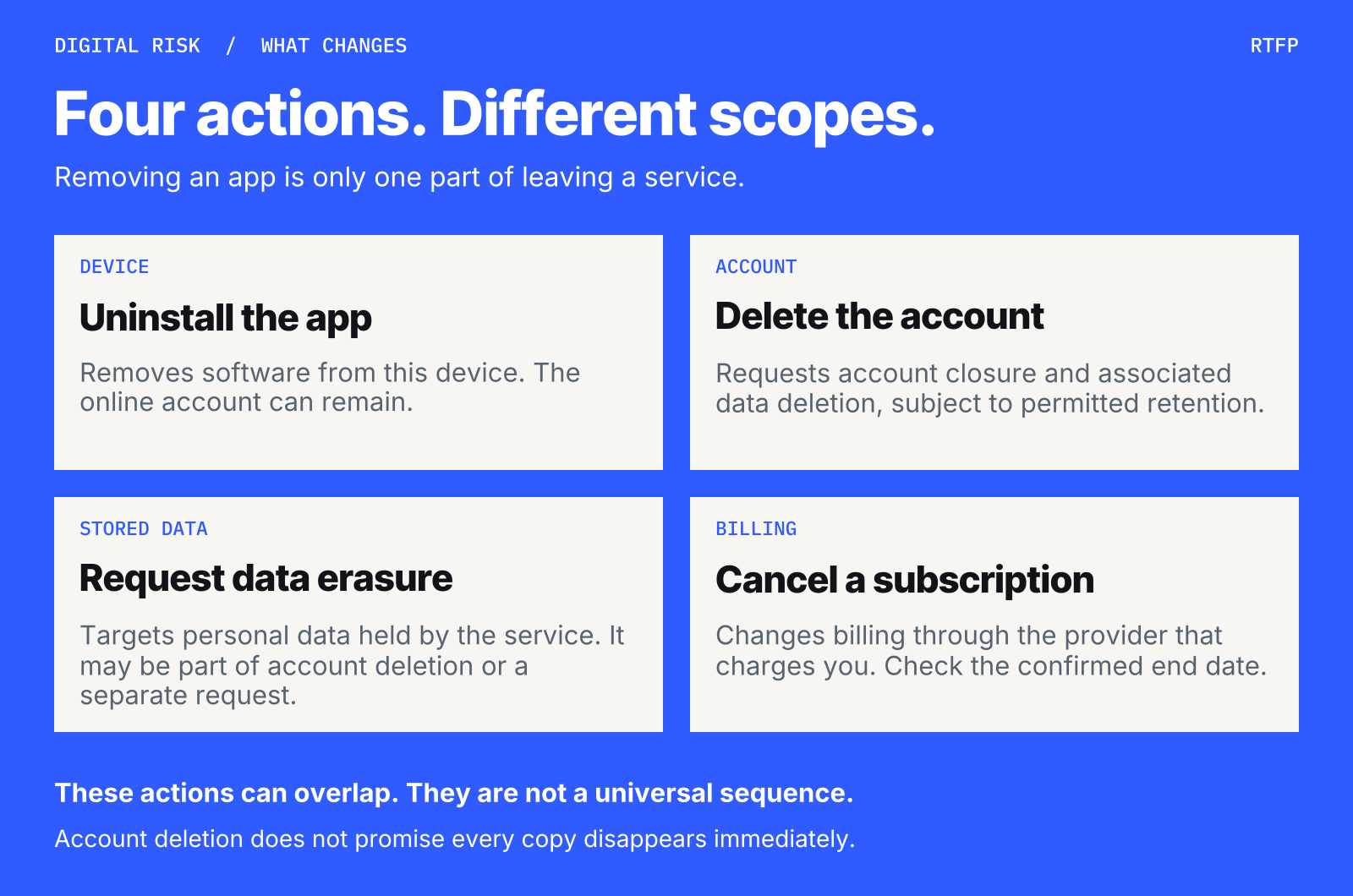
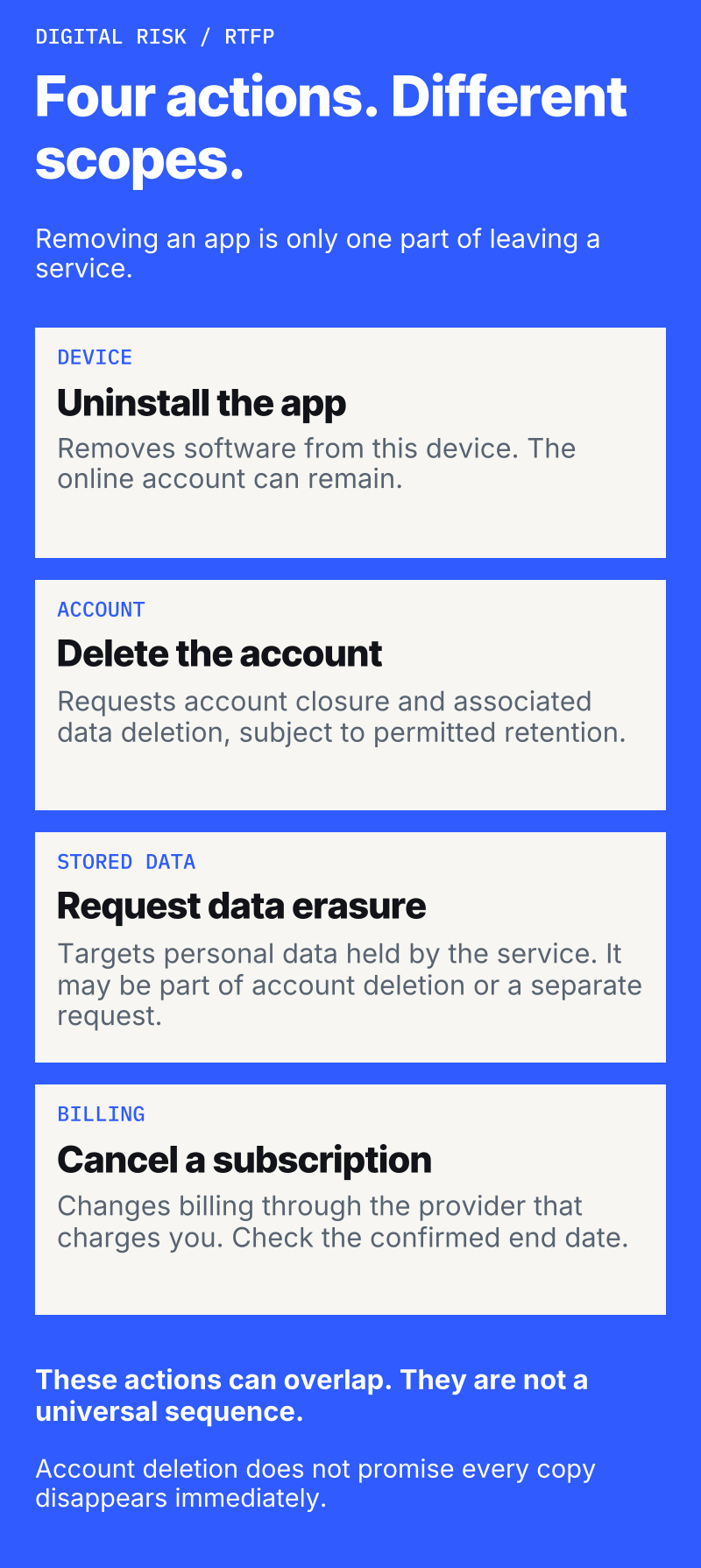
There are several things you might want to change. Uninstalling addresses the software on that device. Account deletion starts a process for removing the account and its associated data. A data-erasure request can target information the company holds, sometimes without closing the whole account. Subscription cancellation addresses future billing under the plan’s terms.
These actions can overlap. Todoist, for example, says account deletion also cancels a plan billed directly by Todoist, while a plan bought through Apple or Google requires separate cancellation. The useful question is which parts your chosen action covers, rather than whether a button happens to contain the word “delete”.
Keep what you still need
Before closing an account, save information you may need independently of the service: files, receipts, project records or correspondence. Check what an export actually includes and open the downloaded copy before proceeding.
Todoist illustrates why that check matters. Its export options cover different material, and its paid-plan backup excludes completed tasks and archived projects. The company also warns that account deletion is irreversible. An export button is useful only if the resulting file contains what you meant to keep.
Pause if there is an unresolved refund, fraud report, complaint or other dispute. Preserve relevant records and access needed to pursue it; don’t delete the evidence to achieve a cleaner-looking account list. Shared projects also deserve attention before an owner disappears. Work out what other people still need and follow the service’s handover process.
Find the company’s deletion control
On an iPhone, start inside the service’s own account settings. Apple requires App Store apps that support account creation to let people initiate account deletion within the app. A developer can send you to a website to finish, but the link should lead directly to the relevant page. Temporary deactivation alone does not satisfy that requirement.
On Android, Google Play’s rules require covered apps that offer account creation to provide both an in-app deletion route and an outside web resource. That web route is particularly useful after you have already uninstalled: Google says it must let you request deletion without requiring you to download the app again.
To find it, open the app’s Google Play listing, look under Data safety and tap See details. Check the Data deletion information and follow the developer’s link. Google’s consumer guide explains that some services also offer deletion of selected data while keeping the account. If no usable route appears, check the developer’s privacy policy and contact details.
These are store requirements and developer disclosures, rather than proof that a particular request has been completed. Read the actual confirmation screen. “Deactivate”, “log out” and “delete account” describe different outcomes. Be especially careful when one account serves several products: establish which services and information the request covers.
For comparison, the device-level controls are straightforward. Apple’s app-removal instructions say to hold the icon, choose Remove App, then Delete App and confirm. Google’s Android instructions use Play Store → profile → Manage apps & devices → Manage → select the app → Uninstall. Neither set of steps tells the developer which remote records you want erased.
Why some records can remain
Account deletion should reach associated personal data, but a complete exit does not necessarily mean every copy vanishes at the same instant.
Google’s policy permits retention for legitimate purposes such as security, fraud prevention or regulatory compliance, with those practices clearly disclosed. Apple likewise allows information the developer is legally required to keep. A useful response from the company identifies what remains and why.
Backups can introduce a different timetable. In its UK-specific erasure guidance, the Information Commissioner’s Office explains that data may remain in a backup until scheduled replacement, while being kept out of further use. That guidance also recognises exceptions for legal obligations and legal claims. It is under review following UK legislative changes, so check the current guidance for a particular case.
The practical lesson travels more widely than any one legal rule: ask which information will be deleted, what will be retained, for how long, and what happens to backups. Your rights and deadlines depend on the applicable law and circumstances. A vague statement that an account is “closed” leaves those questions open.
Check billing where the charge starts
Both Apple and Google warn that uninstalling does not cancel an app subscription.
For Apple billing, open Settings → your name → Subscriptions, select the plan and follow Apple’s cancellation instructions. For Google Play billing, open your Play subscriptions, choose the plan and cancel. If another company bills you, use its cancellation process. Keep the confirmation and check the effective end date. Cancellation can leave access available for a paid period; existing payment commitments may still apply.
Know what finished means
Save the deletion request’s date and confirmation, including any stated processing period. Apple’s guidance allows deletion to take time and tells developers to explain the timing and confirm completion. Follow up through the company’s official support or privacy contact if that confirmation does not arrive when promised.
You can make the question specific: has the account been deleted, which associated data has been erased, and which records are being retained? The ICO’s UK consumer guide explains how to request erasure of particular personal information where that right applies. Available rights vary by jurisdiction.
A clean exit is something you can account for: the files you kept, the service you left, the data you asked it to erase and the bill you checked. The icon disappearing is simply the part your phone can show you.